If you’re building on the WhatsApp Cloud API, errors are not “rare incidents.” They are part of the system design. Every time your backend sends a request to Meta’s Graph API whether it’s a template message, media upload, OTP delivery, or marketing campaign WhatsApp evaluates authentication, permissions, rate limits, template validity, user eligibility, billing status, quality signals, and policy compliance.
If anything fails in that chain, the API responds with an error. Understanding these errors properly is what separates stable production messaging infrastructure from unreliable deployments.
 This guide breaks down:
- What WhatsApp API errors really are
- How to read and interpret them correctly
- All major WhatsApp Cloud API error codes (Updated Feb 9, 2025)
- Synchronous vs asynchronous error handling
- Template, throttling, migration, and media errors explained
- Best practices to reduce failures in production
Let’s start.
What Are WhatsApp API Errors?
The WhatsApp Cloud API is built on Meta’s Graph API. That means all error handling follows Graph API response patterns.
When your system makes a request like:
POST /v19.0/<PHONE_NUMBER_ID>/messages
Meta evaluates:
- Is the access token valid?
- Does the app have permission?
- Is the phone number registered?
- Is the template approved?
- Are you within rate limits?
- Is the user eligible?
- Is the business account healthy?
- Is billing active?
If something fails, the API returns an error object. Errors are returned in two ways:
Synchronous Errors (Immediate Response)
Returned directly in the Graph API response.
Example: Invalid parameter, rate limit hit, expired token.
Asynchronous Errors (Webhook Based)
Returned via webhook callbacks.
These appear in:
entry.changes.value.errors
entry.changes.value.messages.errors
Even if your API call returned 200 OK, the message can still fail later and you’ll receive the error via webhook. Production systems must monitor both.
How to Read a WhatsApp Error Response
Example:
{
“error”: {
“message”: “(#130429) Rate limit hit”,
“type”: “OAuthException”,
“code”: 130429,
“error_data”: {
“messaging_product”: “whatsapp”,
“details”: “Cloud API message throughput has been reached.”
},
“fbtrace_id”: “Az8or2yhqkZfEZ-_4Qn_Bam”
}
}
Key Rules
- Build logic around code
- Read error_data.details
- Do NOT rely on titles
- Do NOT rely on error_subcode (deprecated)
- Always log fbtrace_id
1. Authorization & Authentication Errors
These errors occur when your application cannot properly authenticate with the WhatsApp Cloud API or lacks required permissions. Until resolved, no messages can be sent.
| Code | HTTP | Meaning | Common Cause | Fix |
|---|---|---|---|---|
| 0 | 401 | AuthException | Expired or revoked token | Generate new access token |
| 190 | 401 | Access Token Expired | Token expired | Refresh token |
| 10 | 403 | Permission Denied | Missing scope / eligibility issue | Verify permissions in Access Token Debugger |
| 200–299 | 403 | API Permission Issue | Endpoint access missing | Enable required permissions |
2. Integrity & Policy Enforcement Errors
These errors indicate account-level restrictions due to policy violations or regional messaging limitations. They require compliance review before messaging can resume.
| Code | HTTP | Meaning | Cause | Fix |
| 368 | 403 | Temporarily Blocked | Policy violation | Review policy enforcement |
| 130497 | 403 | Country Restricted | Messaging not allowed in region | Verify allowed countries |
| 131031 | 403 | Account Locked | Policy issue or PIN mismatch | Use Health Status API |
3. Throttling & Rate Limit Errors
Rate limit errors occur when your system exceeds allowed messaging throughput or API call limits. These are common in high-volume production environments.
| Code | HTTP | Meaning | Cause | Fix |
| 4 | 400 | API Too Many Calls | App-level rate limit | Reduce API frequency |
| 80007 | 400 | WABA Rate Limit | Business-level limit reached | Slow message sending |
| 130429 | 400 | Rate Limit Hit | Throughput exceeded | Implement exponential backoff |
| 131048 | 400 | Spam Rate Limit | High block rate / low quality | Improve template quality |
| 131056 | 400 | Pair Rate Limit | Too many messages to same user | Wait before retry |
| 133016 | 400 | Registration Limit | Too many attempts | Wait until unblocked |
4. Template Creation Errors (2388xxx Series)
These errors occur during template submission or approval — before any message is actually sent. They are usually formatting or policy-related issues.
| Code | Meaning | Cause | Fix |
| 2388040 | Character Limit Exceeded | Field too long | Reduce content length |
| 2388047 | Header Format Incorrect | Invalid header format | Correct syntax |
| 2388072 | Body Format Incorrect | Formatting violation | Adjust formatting |
| 2388073 | Footer Format Incorrect | Footer issue | Fix footer |
| 2388293 | Parameters Ratio Exceeded | Too many variables | Reduce placeholders |
| 2388299 | Leading/Trailing Variable | Variable at start/end | Reposition variable |
5. Template Sending Errors (132000–132016)
These are among the most common production errors. They occur when sending template messages outside the 24-hour window or when template parameters do not match the approved configuration.
| Code | HTTP | Meaning | Cause | Fix |
| 132000 | 400 | Param Count Mismatch | Variables count incorrect | Match template exactly |
| 132001 | 404 | Template Not Found | Wrong name/language | Verify template |
| 132005 | 400 | Hydrated Text Too Long | Dynamic values too long | Shorten variables |
| 132007 | 400 | Policy Violated | Disallowed content | Revise template |
| 132012 | 400 | Param Format Mismatch | Wrong parameter type | Fix parameter format |
| 132015 | 400 | Template Paused | Low quality rating | Improve & resubmit |
| 132016 | 400 | Template Disabled | Repeated violations | Create new template |
| 132068 | 400 | Flow Blocked | Flow config issue | Correct flow |
| 132069 | 400 | Flow Throttled | Too many flow sends | Slow down |
6. Conversation Window Errors
These errors are triggered when messaging rules related to the 24-hour customer service window are violated.
| Code | HTTP | Meaning | Cause | Fix |
| 131047 | 400 | 24-Hour Window Closed | Outside conversation window | Send template message |
| 131049 | 400 | Meta Not Delivered | Marketing limits | Wait 24 hours |
| 131050 | 400 | User Opted Out | User stopped marketing | Do not retry |
7. Media Errors
Media-related failures occur when uploading or downloading images, videos, or documents through the API.
| Code | HTTP | Meaning | Cause | Fix |
| 131052 | 400 | Media Download Error | Cannot download user media | Ask user to resend |
| 131053 | 400 | Media Upload Error | Unsupported MIME type | Validate file type |
8. Phone Registration & Migration Errors
These errors occur during onboarding, number registration, or WABA migration processes.
| Code | Meaning | Cause | Fix |
| 133010 | Not Registered | Phone not onboarded | Register number |
| 133005 | PIN Mismatch | Incorrect 2FA PIN | Reset PIN |
| 133008/133009 | Too Many PIN Attempts | Rapid retries | Wait & retry |
| 2388103 | Migration Failed | Account mismatch | Align WABA setup |
9. Synchronization Errors
Synchronization errors occur when onboarding flows exceed allowed API usage or time windows.
| Code | Meaning | Cause | Fix |
| 2593107 | Sync Limit Exceeded | Called too many times | Offboard & re-onboard |
| 2593108 | Sync Outside Window | Beyond 24 hours | Re-onboard |
10. WhatsApp Business Account Errors
These errors relate to billing, eligibility, or temporary account state restrictions.
| Code | HTTP | Meaning | Cause | Fix |
| 131042 | 400 | Payment Eligibility Issue | Billing inactive | Set up credit line |
| 131057 | 500 | Maintenance Mode | Throughput upgrade | Retry later |
11. Other Core Errors
These are general request validation or delivery-related errors.
| Code | HTTP | Meaning | Cause | Fix |
| 100 | 400 | Invalid Parameter | Misspelled field | Validate request |
| 131008 | 400 | Required Param Missing | Missing field | Add parameter |
| 131021 | 400 | Recipient Same as Sender | Same number used | Change recipient |
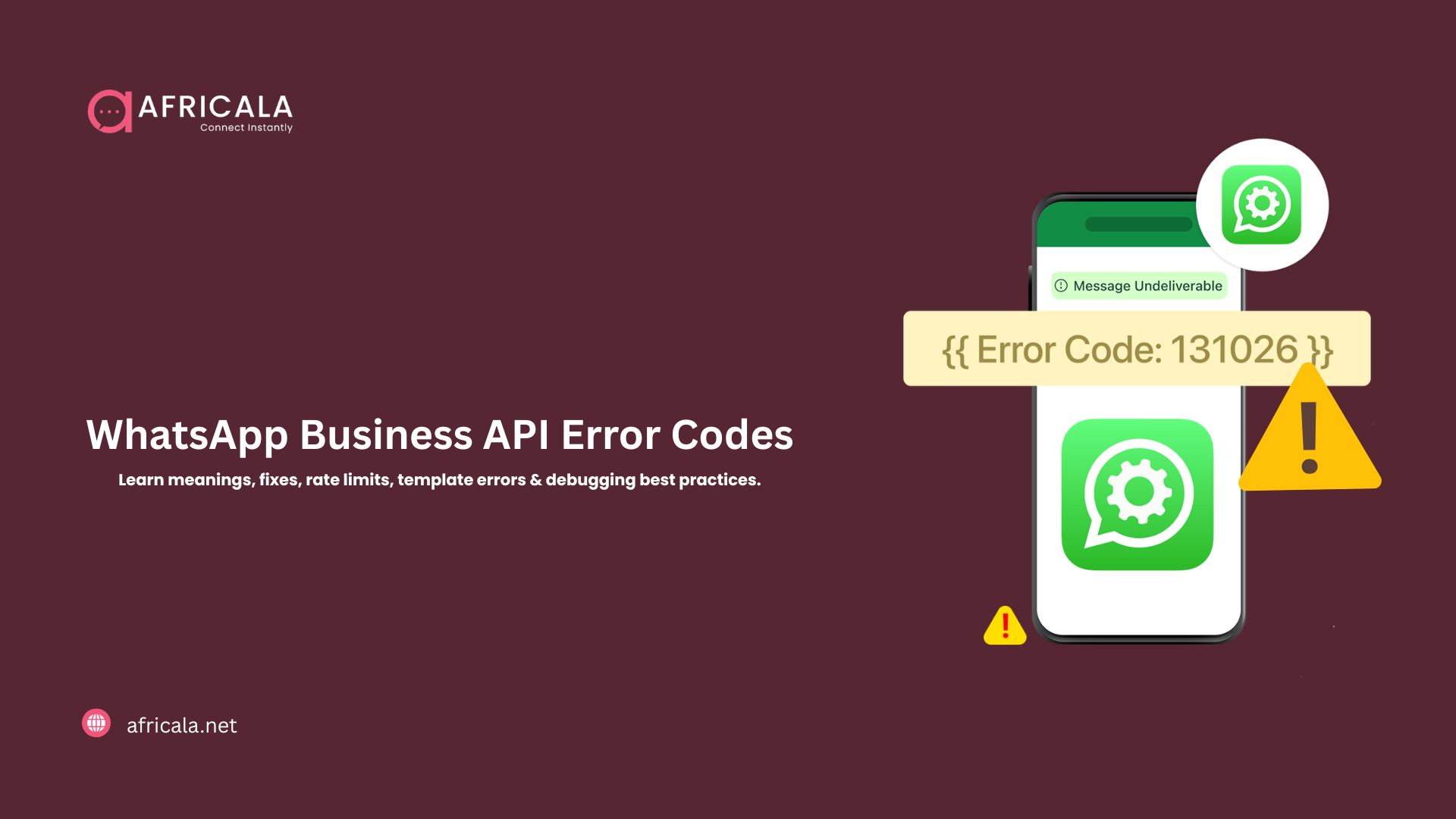
| 131026 | 400 | Message Undeliverable | Not WA user / outdated app | Ask user to update |
| 131000 | 500 | Unknown Error | Internal failure | Retry & escalate |
12. Marketing Messages API Additional Codes
These apply specifically to the Marketing Messages API, which enforces stricter template category rules.
| Code | HTTP | Meaning | Cause | Fix |
| 131055 | 400 | Method Not Allowed | Non-marketing template | Use marketing template |
| 134100 | 400 | Only Marketing Supported | Wrong category | Switch template |
| 134101 | 400 | Template Syncing | Newly created template | Wait 10 mins |
| 134102 | 500 | Template Unavailable | Sync/eligibility issue | Check onboarding |
| 132018 | 400 | Template Validation Error | Param issue | Fix parameters |
| 1752041 | 400 | Duplicate Onboarding | Already invited | No action required |
Best Practices to Reduce WhatsApp API Errors
- Build logic around code + details
- Implement exponential backoff (130429, 131056, 4)
- Validate E.164 phone numbers
- Confirm template approval before sending
- Log every response (code, details, fbtrace_id)
- Monitor webhooks continuously
- Maintain high template quality
Production Debugging Flow
- Check HTTP status
- Check numeric code
- Read error_data.details
- Confirm conversation window
- Confirm template approval
- Check rate limits
- Verify billing
- Retry only if safe
Scale WhatsApp Messaging the Right Way
If you’re deploying messaging at scale and want:
- Intelligent retry systems
- Template lifecycle monitoring
- Rate limit management
- Quality optimization
- Multi-country WhatsApp support
Africala provides production-ready WhatsApp Business API integration, advanced WhatsApp Chatbot automation, and reliable WhatsApp notification infrastructure across 20+ African countries. Explore our WhatsApp Business API solutions